
3D simulations
3D simulation explaining lighting control
One space. Endless moods.
AI-generated conceptual visualisation. Effects are illustrative and do not replace lighting calculations. Colour, dimming and finishes depend on the selected equipment.
Lutron Hyperion
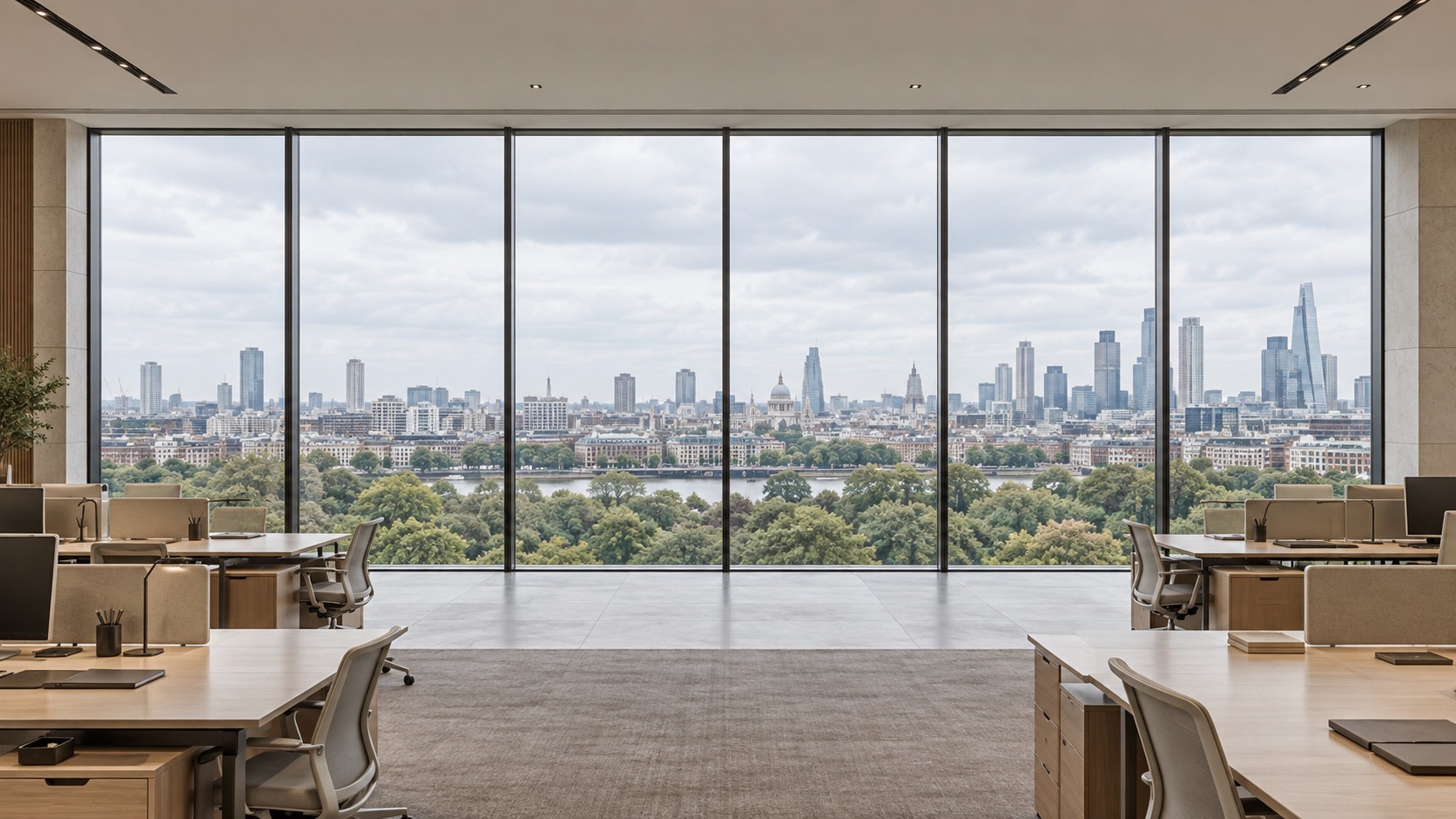
Daylight contribution: 773 lx · Electric contribution: 0 lx · Difference from target: 273 lx.
How far sunlight enters
The shade follows the solar path. Manual overrides can change the result.
Beam edge: 246 cm · floor plane
GLOBAL TV illustrative simulation. Design geometry: 3 m ceiling; 0 m office sill and 1 m suite parapet. The image composites light and fabrics; depth scale is shown in the diagram. This is not a measurement, certification or replica of Lutron’s proprietary algorithm.
A whole day in 48 seconds.
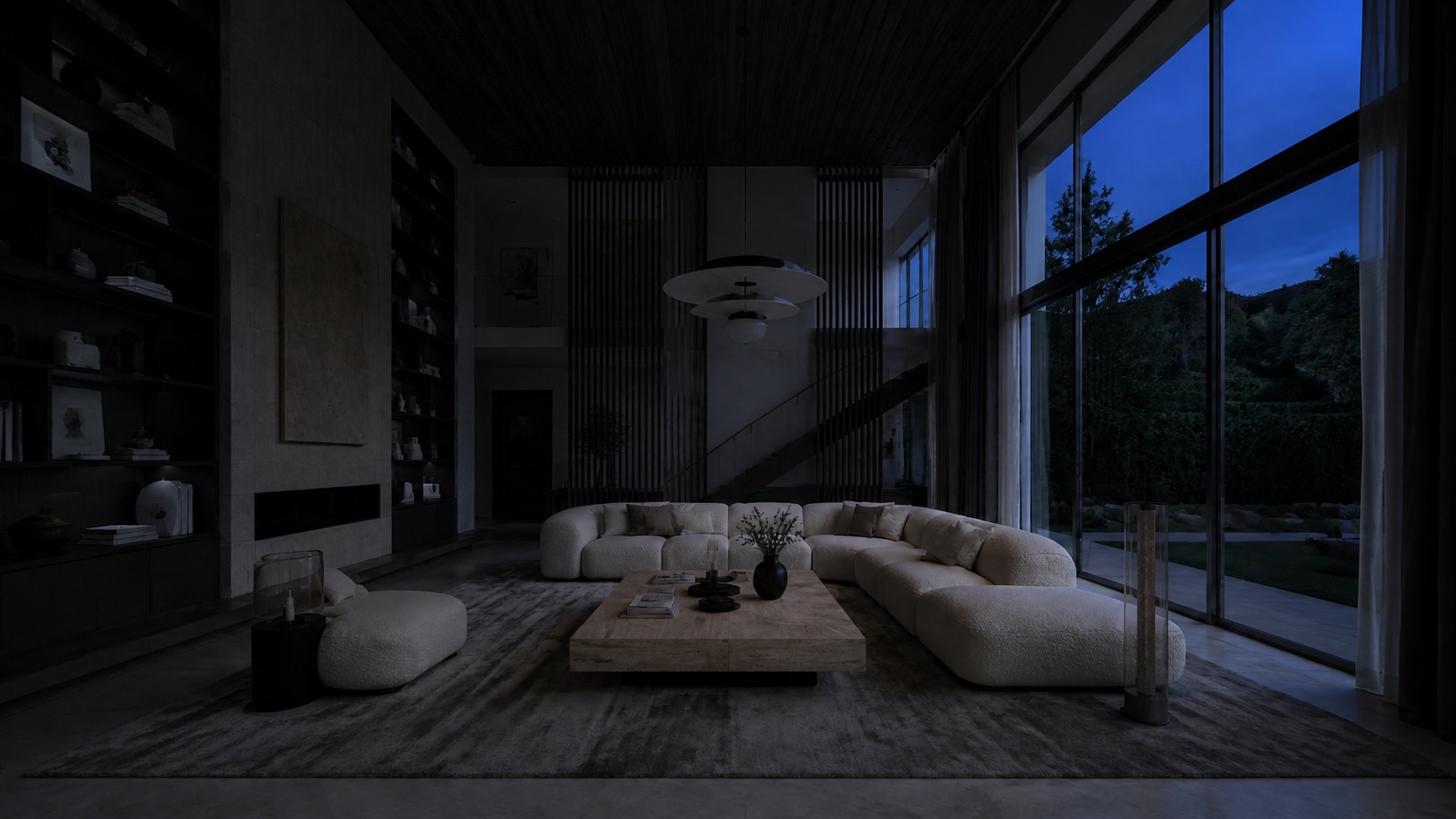
- Natural light
- 0 %
- Artificial light
- 8 % · 2200 K
- Solar elevation
- -9.9°
Location and date change the solar path and daylight hours. Orientation adjusts light entering through the window: try East in the morning and West in the afternoon. The rendered shadows remain fixed.
- Sunrise
- 06:44
- Sunset
- 21:48
- Day length
- 15.1 h
Clear-sky visual simulation. Location and orientation affect natural light; the scene retains its reference geometry and shadows. The artificial lighting programme is illustrative, not medical advice or a prediction of circadian effects.
Colour, light and wellbeing · RGB · RGBW

AI-generated concept render. Approximate visual simulation, not a photometric calculation or medical treatment. Switching off leaves a dim reference ambient light.